

Educational animation videos have become an effective way to simplify complex topics and improve audience engagement across schools, businesses, and online learning platforms. With the growing demand for visually interactive learning experiences, creators now need animation tools that are flexible, efficient, and capable of delivering professional-quality results. Blender has emerged as one of the most reliable solutions because of its advanced features, creative freedom, and cost-effective accessibility. From scientific simulations to animated explainers, Blender supports a wide range of educational content creation needs. This blog outlines why Blender is best for educational animation videos and explains how it helps creators produce engaging and impactful learning experiences.
One of the strongest reasons why Blender is best for educational animation videos is its all-in-one workflow. Many animation projects usually require separate software for modeling, rendering, editing, and visual effects. Blender combines all these features into a single platform, helping creators manage the entire production process more efficiently. This saves time and keeps projects organized from start to finish. This also makes Blender useful for creators who want a practical workflow instead of only learning tools in theory.
By following a project-based approach to Blender animation, learners can understand how each stage of production connects, from modeling and scene setup to movement, editing, and final output. Educational animation videos often include animated diagrams, character movements, text graphics, transitions, and voiceovers. Managing all these creative elements through multiple programs can slow down production and create workflow issues. Blender simplifies this process by allowing creators to handle every production stage within one environment, which improves consistency and productivity.
Another major reason Blender is widely used for educational animation is its affordability. Since Blender is free to use, schools, startups, independent educators, and businesses can create professional animation videos without paying expensive licensing costs. This makes it easier for organizations with limited budgets to invest in high-quality learning content.
The free accessibility of Blender also encourages creativity and experimentation. Beginners can learn animation techniques and improve their skills without financial pressure. Educational institutions can train students using professional software without increasing operational costs, making Blender a practical long-term solution for animation-based learning projects.
One of the biggest benefits of using Blender for educational animation is the ability to create customized visuals for specific subjects and audiences. Educational videos often require unique diagrams, scientific models, technical demonstrations, or animated environments that may not be available in ready-made templates. Blender allows creators to design original visuals according to the lesson objectives, helping improve viewer understanding.
Another important benefit is Blender’s high-quality rendering system. Educational videos with realistic lighting, smooth motion, and polished visuals often capture the viewer’s attention more effectively. High-quality visuals make lessons feel more immersive and professional, encouraging learners to stay focused and engaged throughout the content.
Modern learners respond better to visual learning because animated explanations simplify difficult concepts and make information easier to remember. Blender helps creators build visually rich educational experiences that improve communication and learner engagement. Instead of relying only on text, viewers can watch concepts unfold through animation, making lessons more interactive and easier to follow. Different learning topics may need different animation styles depending on the message and audience.
Understanding the differences between 2D and 3D animation helps creators decide whether a simple illustrated style or a more realistic visual format will better explain the subject. Blender also supports motion graphics and animated text, which are important for educational presentations. Creators can add labels, subtitles, diagrams, and highlighted points that guide viewers through the lesson clearly. These visual elements improve content structure and help learners understand information more comfortably.
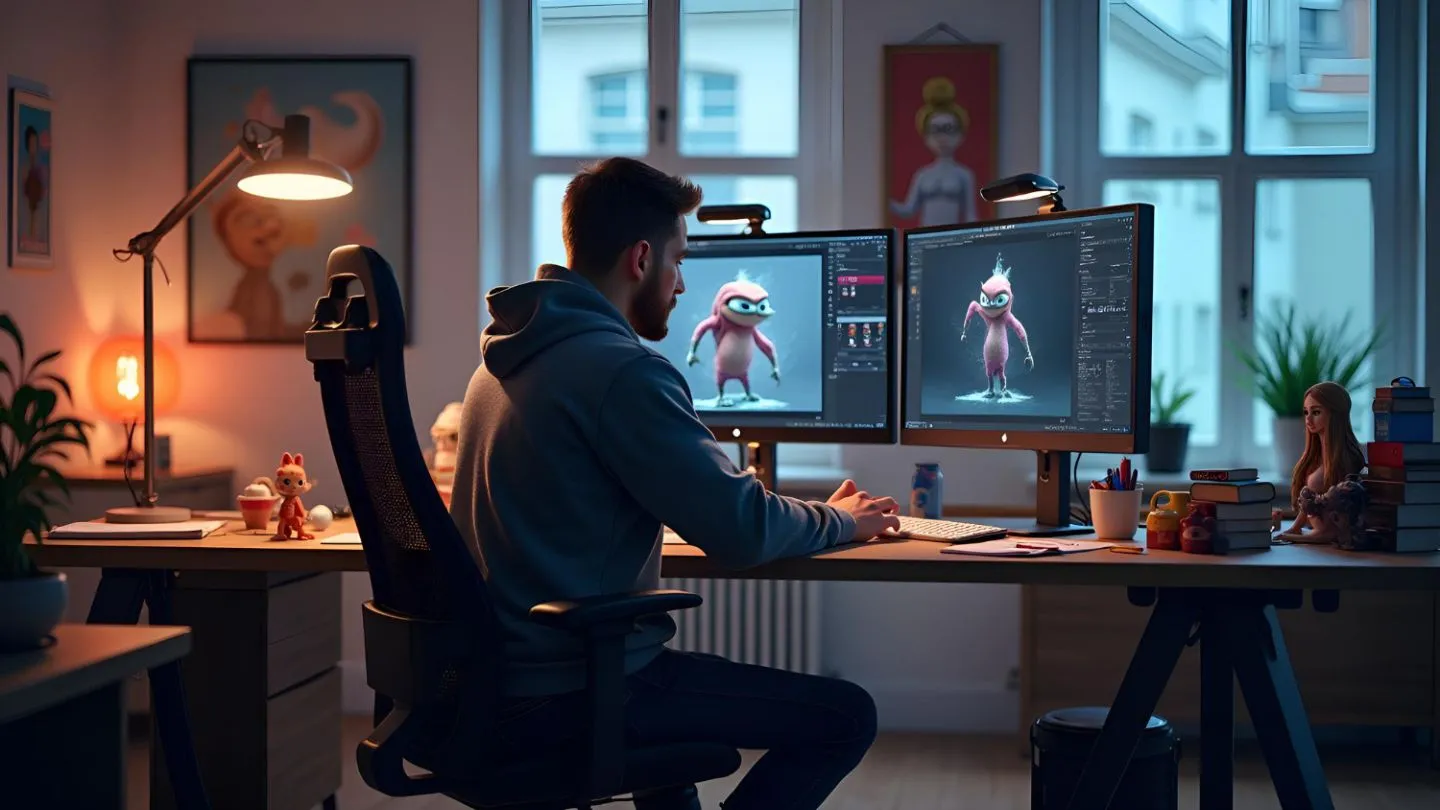
The advantages of using Blender for educational animation extend across multiple industries and learning environments. Educational animation is no longer limited to classrooms because healthcare organizations, engineering firms, online learning platforms, and corporate training programs also use animation to improve communication and knowledge sharing.
For example, healthcare professionals can create anatomy demonstrations and medical procedure animations, while engineering companies can develop technical explainers that simplify complicated systems. Blender’s flexibility allows creators to adapt educational content according to industry requirements and audience expectations.
Another strong advantage of Blender is its ability to create realistic simulations. Some educational topics are difficult to explain through static images or written descriptions alone. Blender supports physics simulations, fluid effects, smoke animations, and particle systems that help creators visually demonstrate real-world processes step by step.
Blender also gives creators complete creative freedom. They can experiment with different animation styles, storytelling approaches, and visual designs according to the target audience. Younger viewers may prefer colorful and playful visuals, while professional training programs may require realistic and detailed animations. Blender makes it easier to adapt educational content for different learning experiences.
Understanding how Blender helps create educational animation videos becomes easier when looking at its practical production tools. Blender includes advanced modeling features that allow creators to design detailed objects, environments, and educational scenes according to specific lesson requirements. These elements can then be animated to explain movement, interaction, and transformation in a visually engaging manner. A strong animation also needs planning before the visuals are created.
The role of storyboarding in animation is important because it helps organize scenes, lesson flow, character actions, and key visual moments before production begins. The software also includes built-in editing tools that allow creators to add voiceovers, subtitles, transitions, and scene adjustments directly inside the platform. This reduces the need for separate editing programs and helps creators complete projects more efficiently. Educational animation often requires multiple revisions, so having everything within one system improves workflow management significantly.
Read More: The Future of 3D Animation: Trends and Innovations
Blender has a large global community that regularly shares tutorials, plugins, and educational resources. Beginners can quickly find learning materials that help them understand animation techniques step by step. This strong support system makes Blender easier to adopt for educators, businesses, and content creators who are new to animation production.
The software also continues to evolve with regular updates and improvements. New tools and performance enhancements help creators maintain modern production standards while expanding creative possibilities. This long-term growth makes Blender a reliable investment for educational animation projects of all sizes.
Read More: 3D Animation Essentials: Principles and Practices
Blender has become one of the most effective tools for creating educational animation videos because it combines flexibility, advanced features, and professional-quality output within a single platform. Its ability to support detailed modeling, realistic simulations, motion graphics, and smooth editing workflows makes it ideal for producing engaging educational content across different industries. From schools and online learning platforms to healthcare and technical training, Blender helps creators simplify complex concepts through visually interactive storytelling and immersive learning experiences.
Emily Art specializes in creative solutions that combine 3D animation & digital artwork, Digital Still Art, Animation courses & training, and 2D Blender animation in Fort Lauderdale to help businesses and educators develop visually engaging content for modern audiences. Our team focuses on delivering professional animation and artistic solutions that support impactful communication, creative learning, and audience engagement across different platforms and industries. Contact us today to bring your creative ideas to life with professional visual content tailored to your goals.
