
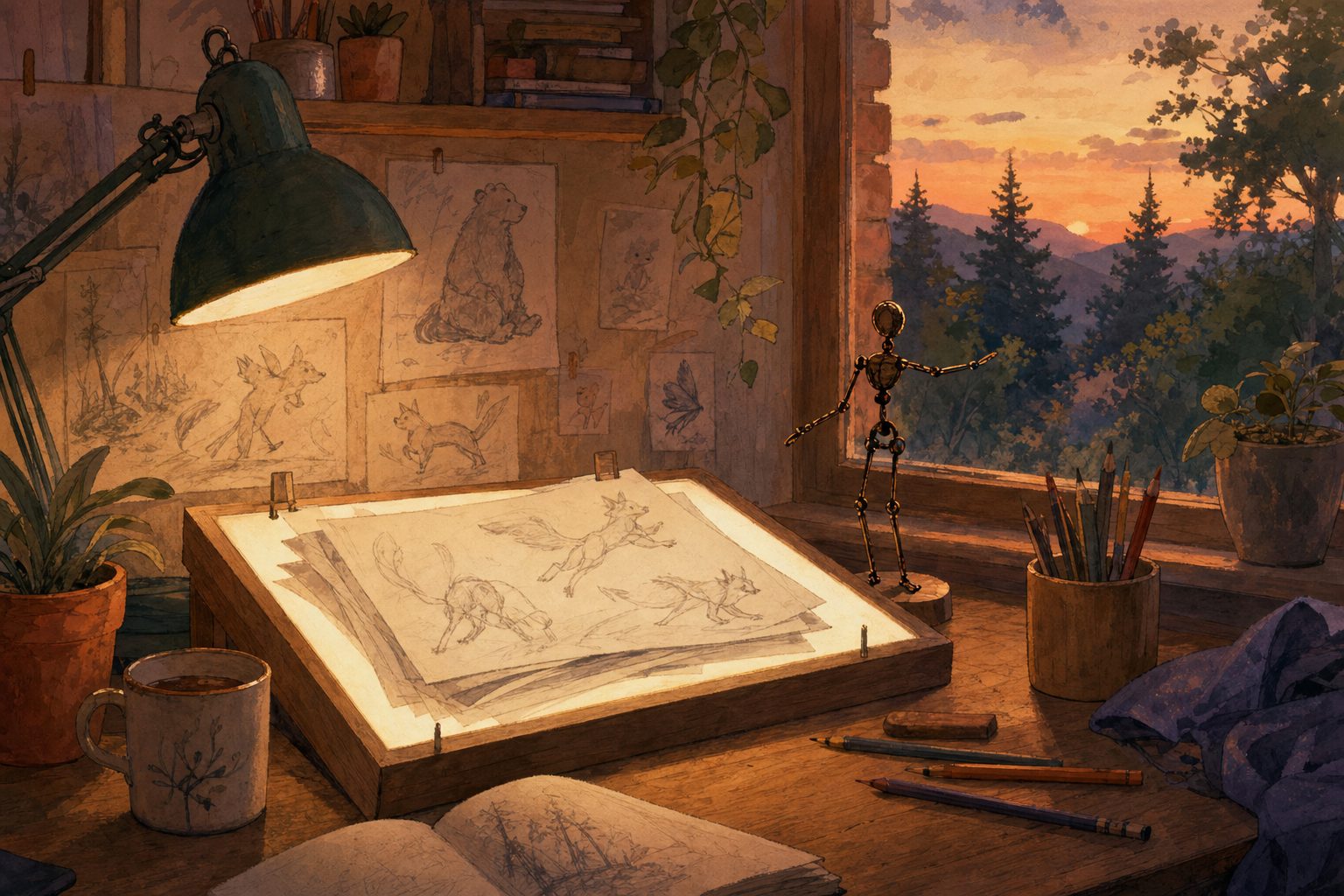
I trained in 3D animation at Pratt and taught myself 2D animation on the side, and for a while I assumed they were two separate skills that happened to share a word. They aren’t. A lot of what I learned moving a rigged character in Maya came with me to the drawing table, and a few things I thought I understood fell apart the moment I had to draw every frame myself. Here’s my own inventory of both, from someone who now works in each and wouldn’t give either one up.
Timing is how many frames an action takes. Spacing is how those frames are distributed inside it: bunched together where something slows down, spread apart where it moves fast. In 3D you learn spacing by staring at curves in the graph editor, the panel that plots each control’s value over time. Those curves taught me what an ease in and ease out (the gradual slowing into and out of a pose) actually look like.
When I started drawing, I found I could picture that curve while I planned my inbetweens, the drawings that sit between the main poses. A ball that hangs at the top of its bounce needs its drawings crowded together up there, whether a computer calculates them or I draw them by hand. The math is the same. Only the labor changes.
Almost everything alive moves on arcs. A head turns on one, a hand swings on one, and the tip of a tail traces a whole chain of them. In Maya I got used to turning on motion trails, which draw the path a control takes through space, and fixing any spot where that path wobbled or went flat. 2D has no motion trail, but onion skinning (seeing faint copies of the drawings before and after the current one) does the same job. I check arcs the same way in both mediums: follow one point through the action and ask whether its path is smooth.
Weight is the hardest thing to fake and the easiest thing for an audience to feel. A heavy character takes longer to get moving and longer to stop, and its body settles into a landing instead of bouncing off it. Animating rigged characters in 3D gave me a kind of body memory for that. So when a 2D walk felt floaty, I already knew where to look first: the down position, the moment in a step when the body is lowest and the weight lands on the front leg.
Staging is how you present an action so the audience reads it instantly. Where does the camera sit? What does the silhouette say? What does the viewer look at first? 3D teaches staging almost by force, because the camera is a real object you have to place.
I carried that habit straight into 2D. I also carried the one I value most, which is planning a performance before I touch a frame. I shoot reference of myself acting out the moment, thumbnail the key poses small and fast, and work out the beats of the shot on paper. That planning looks the same in both mediums, and it’s where most of the acting gets decided.
This is the part where 2D humbled me.
In 3D, the model holds its shape for you. You can rotate a head ninety degrees and it stays the same head. In 2D, the head only exists because I drew it, and I have to draw it again on the next frame, and the one after that. Volume and construction, the sense that a shape is a solid object and not a flat outline, have to be carried in my hand. If a cheek shrinks a little across ten drawings, the character looks like it’s melting. Nothing in the software catches that for me.
What helped most was my background in clay and sculpture. I grew up building figures I could turn over in my hands, and sculpting in ZBrush reinforced it. When I draw a head now, I try to think of it as something I’ve already sculpted: a ball for the cranium, a wedge for the jaw, a center line that wraps around the form. Drawing got easier once I stopped drawing outlines and started drawing objects.
A rig is the digital skeleton and set of controls that lets an animator pose a 3D model. A good rig is generous. It keeps joints from bending the wrong way, it lets you nudge a pose until it works, and it can make a so-so pose look clean because the model itself is clean.
2D gives you none of that. If a pose has a weak line of action (the single imaginary curve that runs through a figure and shows the force behind the pose), everyone sees it, because there’s nothing else on screen to hide behind. I had to get much more decisive. In 2D I can’t fiddle my way toward a good pose. I have to see it before I draw it.
In 3D the computer fills in every frame between my keys for free. In 2D each inbetween is another drawing, so I had to learn where drawings earn their keep. That’s how I came to understand animating on twos, where each drawing is held for two frames, and why fast actions sometimes need ones while a slow, heavy move can live happily on twos. Deciding where to spend drawings turned out to be a timing decision in disguise.
Each medium checks the other. 2D makes me a better 3D animator because it forces me to commit to strong, readable poses instead of letting the rig smooth things over. When I go back to Maya after a stretch of drawing, I push my key poses harder and I’m less willing to let the computer’s interpolation decide the motion for me. You can see where that lands in my 3D demo reel on Vimeo.
3D makes me a better 2D animator because it keeps me thinking in volume and camera space, so my drawings feel like they sit in a room instead of on a page. That’s what I’m chasing in my 2D demo reel on Vimeo.
This is my experience, not a rule. Plenty of animators go deep in one medium and make beautiful work. For me, switching back and forth is how I stay honest. It’s hard to fool yourself about a weak pose when you’ve just had to draw it by hand.
My 3D work runs through Maya for modeling and animation, ZBrush for sculpting, Substance Painter for texturing, and Nuke for compositing. My 2D work happens in Toon Boom Harmony and Procreate Dreams. The tools matter less than people tend to think. Every principle above came with me across all of them.
If you’d rather study the drawings one at a time, with no motion to hide behind, my 2D character gallery is a good place to start.

Emily Sarah Leeds is a writer and creative enthusiast at Emily Art, where she shares insights on art, creativity, design, and artistic expression. With a passion for exploring visual storytelling and creative techniques, Emily creates informative content that helps readers discover inspiration, develop their artistic skills, and stay connected with the evolving world of art.